
Meet tobi: a CLI tool designed to ease your CTF life
But what is tobi?
Tobi is a CLI tool designed to help you organize and optimize your CTF workflow. No more creating directories by hand and cd-ing back and forth. All your challenges, solve scripts and CTFs will be organized in a neatly structured way so that you don’t have to worry about it.
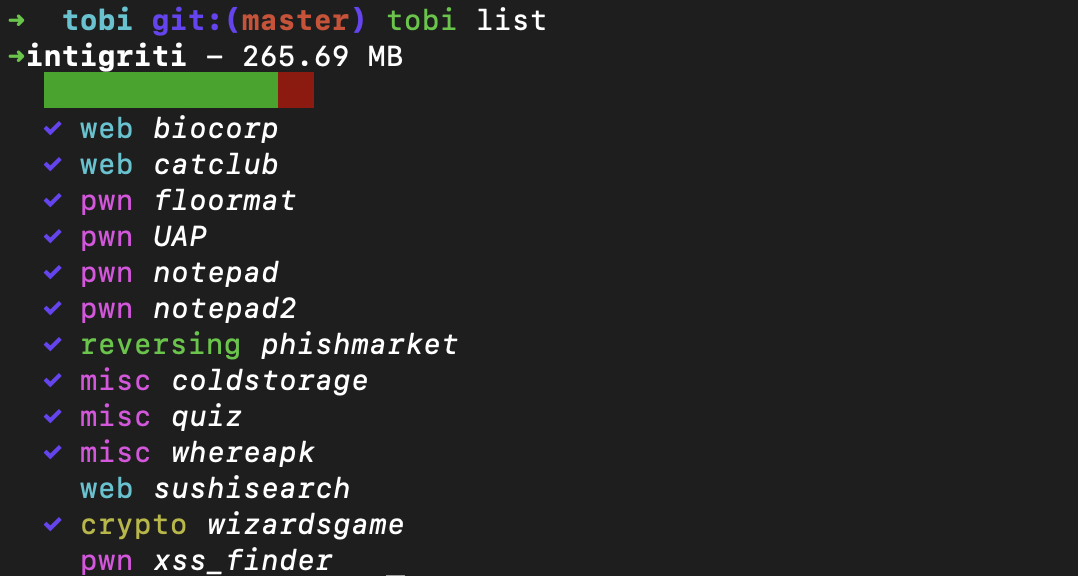
As you can see below, tobi can also:
- switch your
pwdby just runningtobi - track your progress on individual CTFs
- store flags for each challenge
- archive a CTF to save space
- [SOON] manage a remote environment(for pwning for example)
- [SOON] upload your archived CTFs to a cloud service
Installation
Note: Make sure you have cargo installed on your system. You can use rustup.
Installation is as easy as running the install script that comes with the repo. Just run the following:
git clone https://github.com/Mcsky23/tobi.git
./install.sh --install-dir=<path_to_install>
Keep in mind that your install-dir should be in your PATH env variable.
First time setup
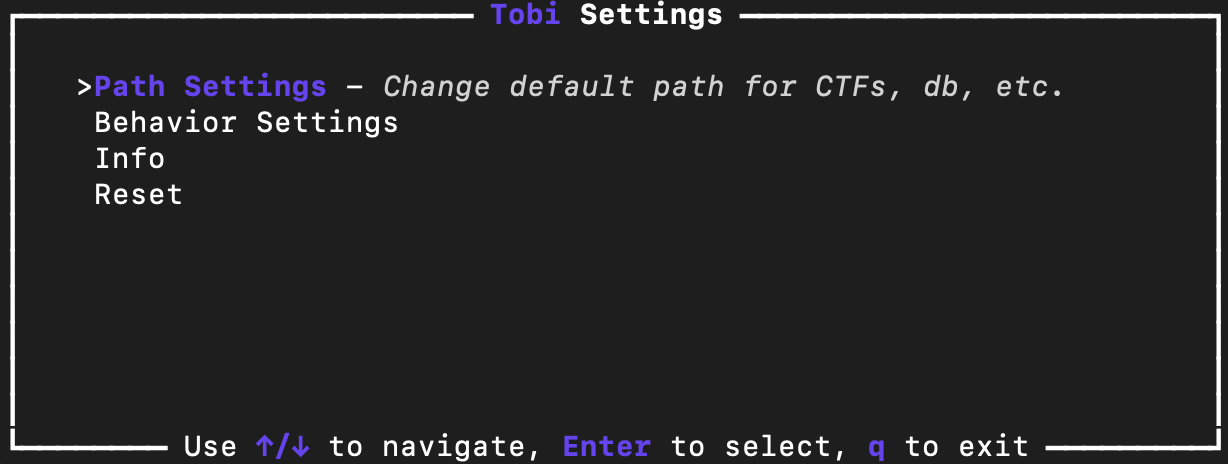
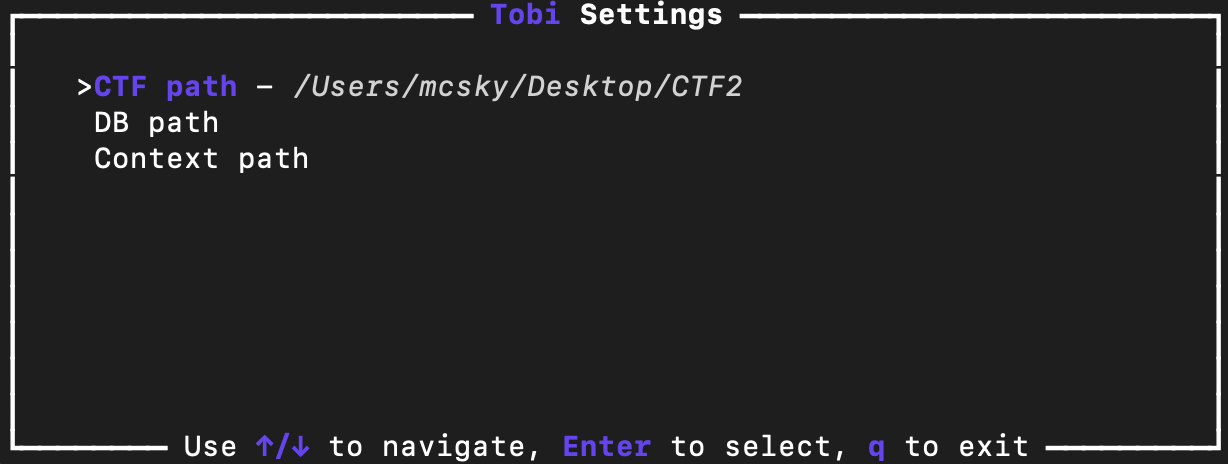
When running tobi for the first time, it will ask you to run tobi settings in order to setup the necessary directories for: tobi.db, .tobicntxt and ctfs dir. Usually, I recommend storing them all in the same directory.
tobi settings is implemented using ratatui, a terminal UI library for Rust.
How do I use it?
The way I designed tobi is around the concept of contexts. A context essentially means what you are currently working on. This way, no matter where you are in your filesystem run tobi and it will take you back to your workspace.

A context can either be a CTF or a challenge from a CTF.
Making your way around tobi
To create a new CTF workspace, just run the command below. It will also switch your context to the newly created CTF.
tobi new ctf <ctf_name>
Want to create a new challenge?(and also switch context to it)
tobi new <category> <chall_name>
Pwned a challenge? It’s time to run:
tobi solve <flag> - this will solve the challenge that you are currently working on.
But where are all my CTFs?
tobi list will list your current CTF(from your context).
If you want to see all of your CTFs, run tobi list all.
Wait… What’s my context?
tobi context will show you your current context.

But if you want to switch to another context:

Cool features:
- You can omit typing out the CTF name each time. Just specify the challenge title and
tobiwill search for that challenge in your current CTF. tobisupports tab auto-completion
If you want to find out more about what commands tobi supports, run tobi help or check out the documentaion on the repo
Crack it open!
tobi is written in Rust and uses sqlite as a database to store data about your CTFs and challenges. It’s functionality rely on the following files that are created on your file system:
<custom_path>/tobi.db- the database file<custom_path>/.tobicntxt- the file that stores your current context<custom_path>/- the directory where all your CTFs are stored~/.tobi- settings file/tmp/tobi- temporary file for undo operation
<custom_path> is the path you specified when running tobi settings.
As you may know, it’s not possible to change the pwd of the shell from a child process. That’s why tobi uses a bash wrapper function that is sourced in your shell’s rc file at installation.
The autocomplete feature tries to complete as much as possible based on the current context or predefined commands, but it’s not perfect.
Care trying it out?
If you want to give it a go, feel free to share your experience you had/have with tobi by shooting me a message on Discord @mcsky23. May you encounter any issues, please open an issue on the repo. I will try to address it as soon as possible.